
nous: Your Design Taste, Queryable
January 27, 2026 - One Tool A WeekA visual knowledge base for design inspiration. AI-powered capture, auto-tagging, and natural language search. Your taste, queryable.
The Problem
I have over 870 screenshots in a folder right now. Pricing pages, dashboards, a button style I liked, some color palette I spotted on a random SaaS site. I saved all of them for a reason. But when I actually need one? Good luck. They’re all named Screenshot 2024-01-15 at 3.42.17 PM.png.
My camera roll is the same story. Inspiration goes in, but it never comes back out. I remember what I saw, not when I saved it. Scrolling through thumbnails hoping to recognize something isn’t a system. It’s a graveyard.
The Solution
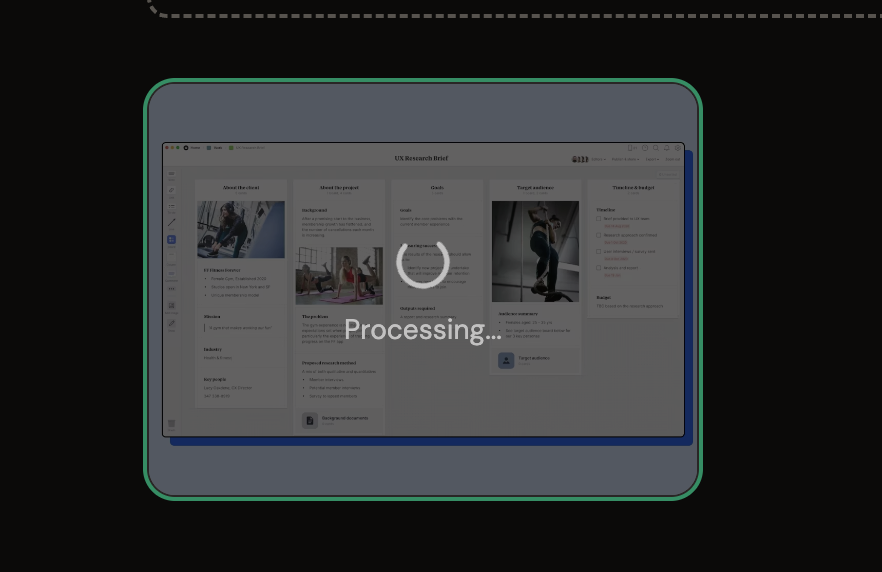
nous is a visual knowledge base for design inspiration. You upload a screenshot, and it automatically analyzes the image using AI. It extracts tags, colors, UI elements, vibe, and any visible text. Everything becomes searchable.
Type “dark mode dashboard with charts” and find it. Type “that pricing page with the purple gradient” and it’s there. Your screenshots become a library you can actually use.
“The soul never thinks without a picture.” — Aristotle
How It Works
- Capture from anywhere: Drag and drop images, paste with Cmd+V, or share from your phone using the iOS shortcut.
- AI analyzes instantly: Claude Vision extracts tags, description, colors, UI elements, vibe, and any visible text. No manual tagging.
- Review in your Inbox: Images land with AI-generated metadata. Edit if you want, or just commit to your library.
- Search like you think: Natural language search across all metadata. Filter by color, vibe, layout, or date.
- Copy and use: One-click copy to clipboard. Paste directly into Figma, Canva, wherever you’re working.
Capture Without Thinking
See something you like? Screenshot it. On your phone? Share it. At your desk? Paste it. nous handles the rest.
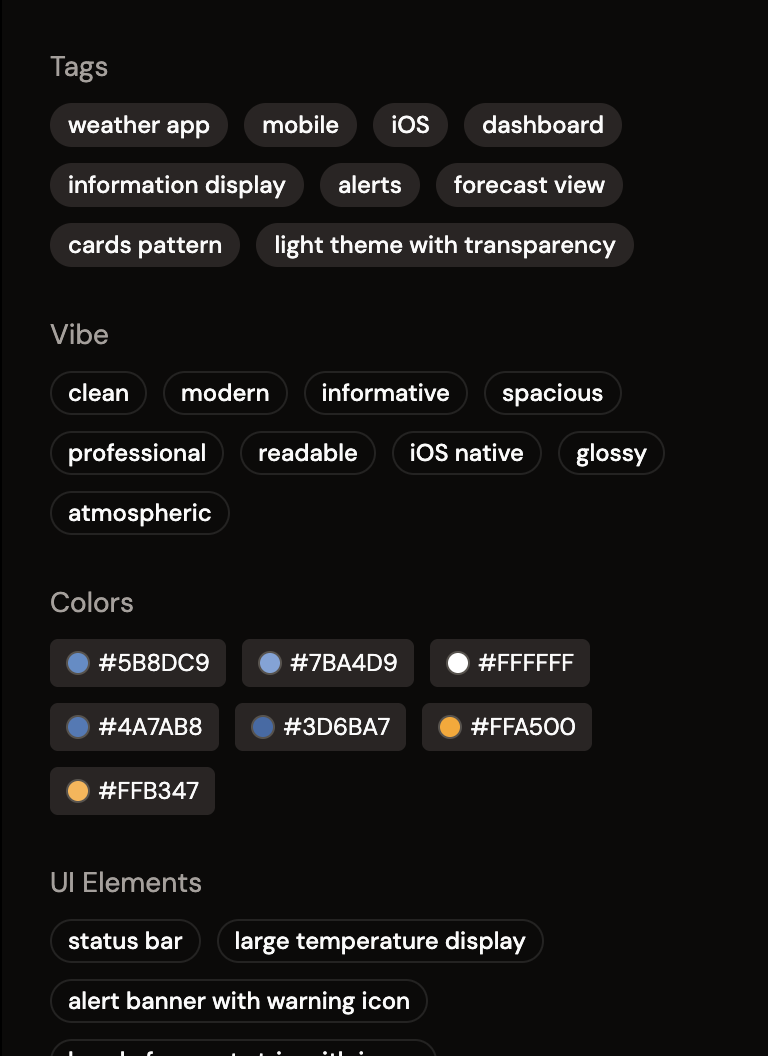
AI That Sees What You See
Not just "this is blue" but "minimal fintech dashboard, dark theme, generous whitespace, emerald accent."
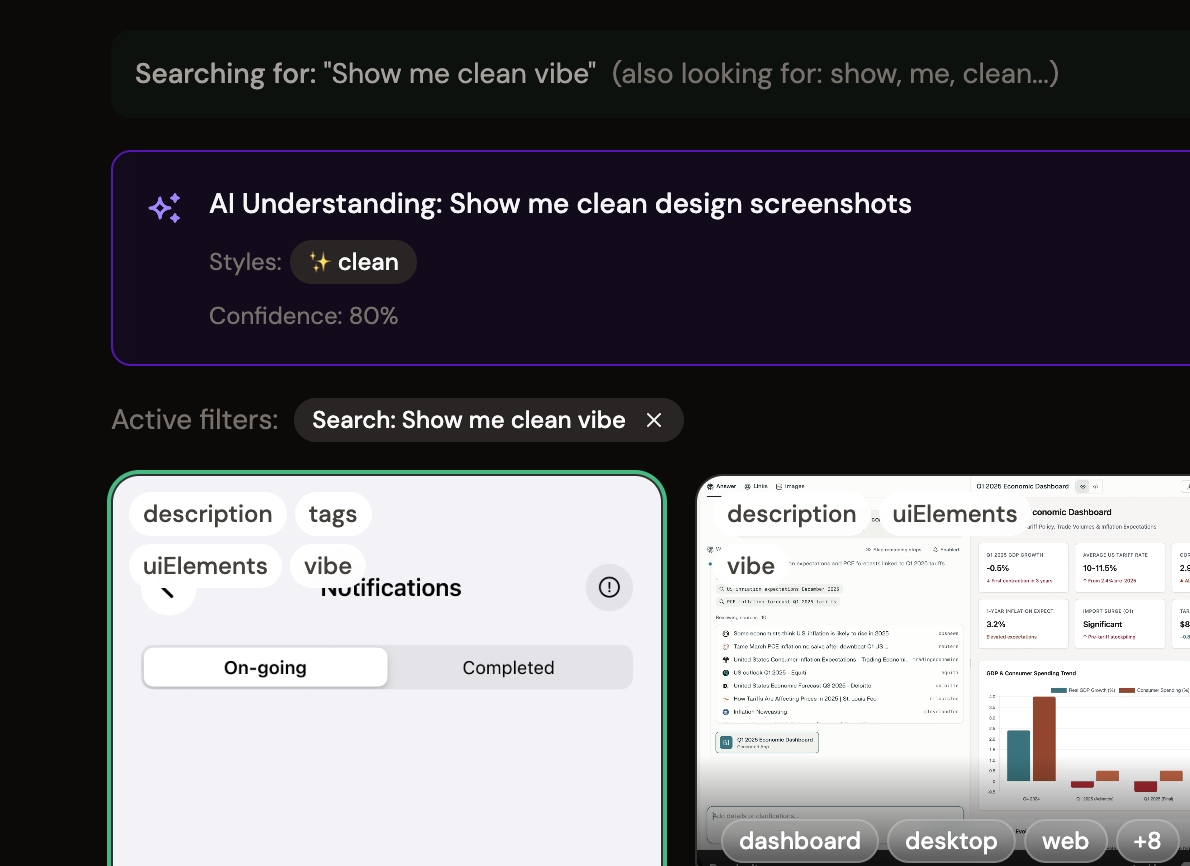
Search Like You Think
Natural language search across your entire library. Find by color, vibe, layout, or the text inside the image.
The MCP Layer
nous is also an MCP server, which means AI agents can query your library directly. Connect it to Claude Desktop and you can ask things like:
- “Find inspiration for a settings page based on my taste”
- “What design patterns do I save most often?”
- “Compare these two screenshots. What’s similar?”
- “What’s my style?” (and it can actually answer)
Your screenshots become context for AI-assisted design work. Not just storage, but a reasoning layer for your visual brain.
Why It Matters
Every designer hoards screenshots. The capture part is easy. Retrieval is what’s broken. nous fixes retrieval by making every image searchable by meaning, not filename.
The bigger realization: this is Obsidian for your visual brain. Writers dump their thoughts into text and suddenly AI can reference their thinking. Designers can now do the same with images.
What I Learned
The hardest UX problem wasn’t organization or search. It was capture. Getting images into the system with zero friction is everything. If there’s any resistance at the moment of inspiration, people won’t use it. The iOS shortcut was essential for this reason.
I also learned that AI vision models are surprisingly good at understanding UI. Claude doesn’t just see colors and shapes. It understands “this is an onboarding flow” or “this is a pricing page with a three-column layout.” That semantic understanding is what makes natural language search actually work.
Try nous. And please let me know what you think